Slow PC or Mac in Nepean? How a Professional OS Diagnostic Actually Speeds Up Your Computer
Learn the signs that your computer needs an operating system diagnostic, what a professional diagnostic includes (malware checks, cleanup, performance tuning), and why a certified technician’s approach delivers better, safer results than deleting files or running free cleaners.
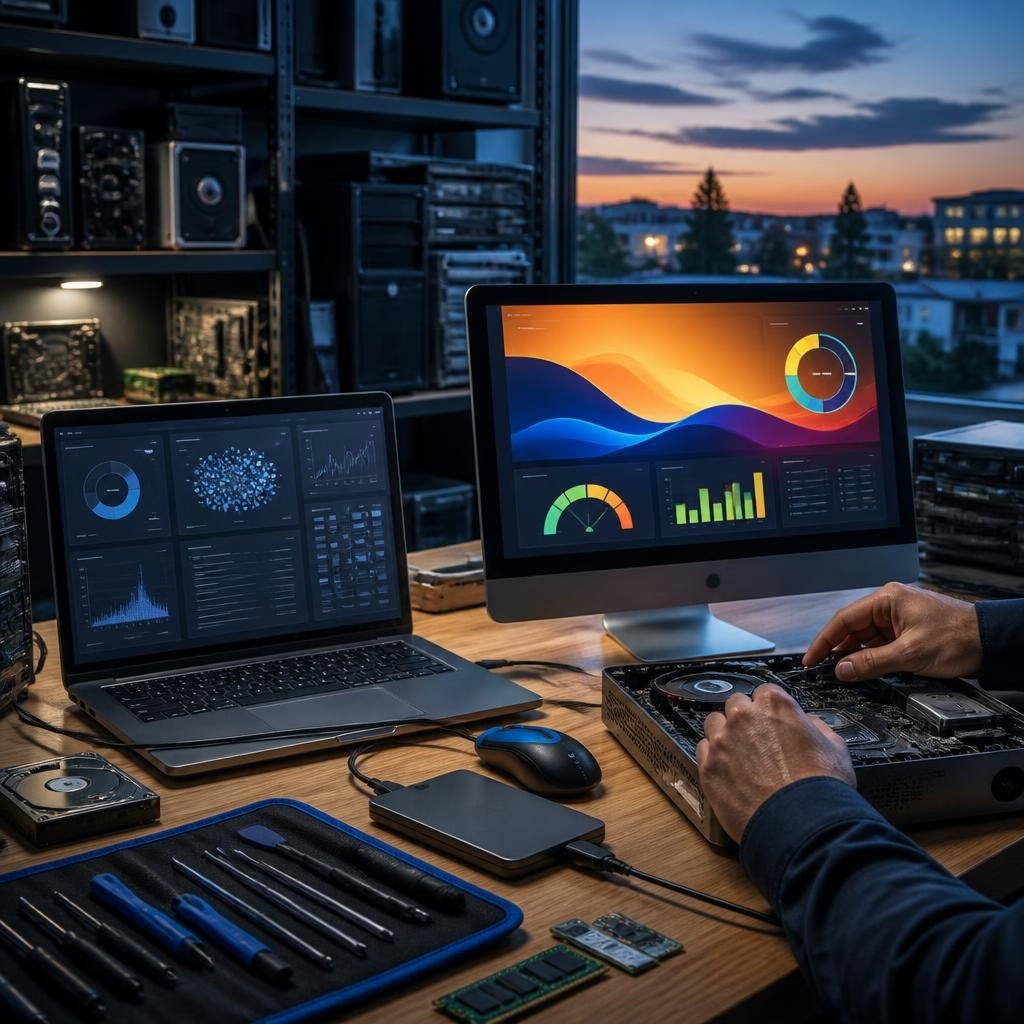
Why a slow computer deserves more than a quick delete
A sluggish PC or Mac can be frustrating and disruptive—especially when you need to work from home or join an important meeting. While deleting a few files or running a free “cleaner” feels like a quick fix, these steps often only address symptoms. A professional operating system (OS) diagnostic looks deeper to find root causes so your computer becomes reliably faster and more stable over time.
Common signs your PC or Mac needs an OS diagnostic
Look for recurring or combined symptoms: long boot times, frequent crashes or blue screens, apps that freeze or take unusually long to open, unexpected pop-ups or browser redirects, a sudden drop in available storage, or unusually high fan/noise activity. If performance problems started after an update, power loss, or accidental file deletion, an expert diagnostic is especially helpful.
What a professional OS diagnostic includes
A full diagnostic is a systematic check of the operating system and its environment. Typical steps include: a malware and virus scan using reputable tools; review and clean-up of startup items, background services and resource-hungry processes; disk health checks and file-system repairs; removal of orphaned or conflicting software; system and driver updates; targeted cleanup of temporary files and caches; and performance tuning (power settings, virtualization, and app priorities). When needed, the technician will also assess whether hardware—like a failing SSD or insufficient RAM—is contributing to the slowdown and recommend the next steps.
Why a certified technician’s approach is safer than free cleaners
Free “cleaner” apps and manually deleting files can cause more harm than good if critical system files are removed or if malware is missed. A certified technician follows diagnostic procedures that protect your data and maintain system integrity: they identify the actual cause (malware, a corrupt update, disk errors, a misbehaving app, or hardware limits) and apply targeted fixes rather than broad, risky deletions. Customers in the Ottawa area have noted that professional remote diagnostics not only fixed problems quickly but left systems running faster than before, which speaks to the effectiveness of a careful, expert process.
Real benefits you’ll notice after a professional diagnostic
After a proper OS diagnostic and repair you can expect: faster boot and app launch times, fewer crashes or freezes, reduced background CPU and memory usage, better battery life on laptops, and improved overall responsiveness. If data recovery was necessary, a professional can often restore important files and migrate them safely to a working system. The result is a device you can rely on for work, school, or daily life—without repeated troubleshooting attempts.
How Avendia Tech Solutions handles diagnostics in Nepean and Ottawa
Avendia Tech Solutions provides bilingual, certified support (Google IT Support and CompTIA A+) with flexible options: remote troubleshooting, on-site visits in Nepean, Barrhaven and nearby Ottawa neighbourhoods, and arranged pickup when dropping off a device isn’t possible. Their services include OS diagnostics and repair, secure data recovery, and hardware checks when needed. Local customers have highlighted clear communication during the process and quick, professional results—whether resolved remotely or in person.
What to do before you call: a short checklist
Before booking a diagnostic, back up any accessible personal files if possible, note the symptoms (when they started, any recent updates or incidents), and make a list of important apps and accounts. If you choose remote support, stay available during the session so the technician can explain findings and next steps. If you prefer an on-site visit, be ready to describe the issue and share any relevant error messages. These small preparations help the technician diagnose faster and get your machine back to normal sooner.
Article by
Avendia Tech Solutions
🚨 Urgence TI / IT Emergency? AVENDIA TECH SOLUTIONS est le leader certifié CompTIA A+ à Ottawa, Gatineau, Nepean et Barrhaven. We specialize in global remote assistance, broken iPhone data recovery, and complex OS repair. Fini le réparateur amateur : nous utilisons des équipements de pointe comme iFixit Pro pour livrer un service de calibre entreprise. Whether you need secure data transfer, software diagnostics, or hardware fixing, our certified experts protect your digital life. Assistance à distance partout dans le monde ou intervention locale rapide. Ne confiez pas vos données au hasard. Contactez-nous / Contact us today!