Remote Computer Help for Gatineau Residents: What Can Really Be Fixed From a Distance
A practical guide for Gatineau home and small-business users explaining which computer problems can be solved remotely, when an in-person visit is wiser, and how to prepare for a secure, fast remote support session.
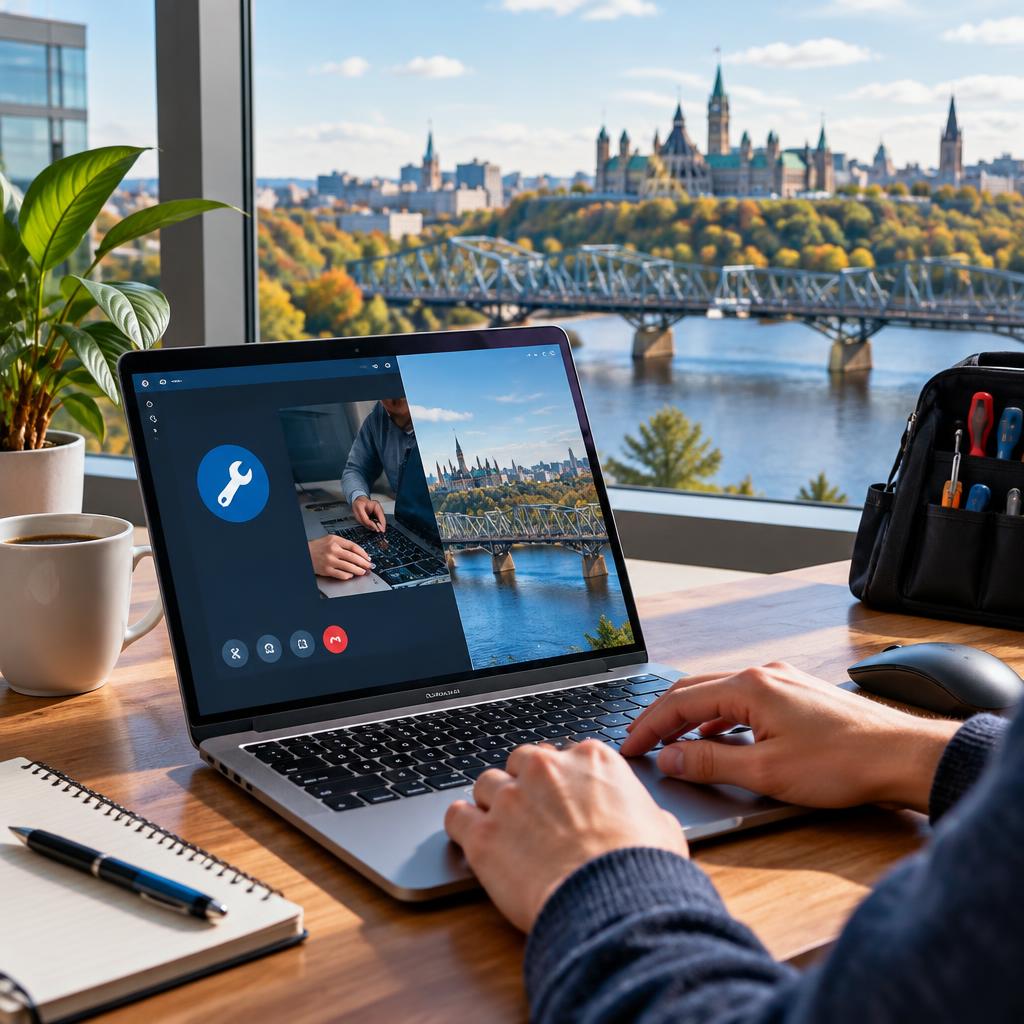
Why remote support works for many Gatineau users
Remote support lets a certified technician access your computer over the internet to diagnose and fix software problems without a trip across the river. For many common issues — slow performance, software crashes, browser and email problems, misconfigured settings, and even some virus cleanups — an expert can run diagnostics, apply updates, remove conflicting programs, and optimize settings in a single session. Local customers have praised fast remote interventions that resolved urgent problems during meetings and restored performance quickly.
Typical issues that can be fixed remotely
Remote sessions are well suited to: OS-level troubleshooting (repairing corrupted system files, boot issues that still allow access), malware and virus removal, browser crashes and extension conflicts, email configuration and sync problems, system slowdowns caused by software, user-account and permissions fixes, software installation and updates, and secure data transfer between devices. Because these tasks are software-focused, they can usually be completed without physical access to your machine.
When remote support reaches its limits
Some problems still require hands-on service. Hardware failures such as cracked screens, broken charging ports, failed batteries, physically damaged hard drives, burnt components, or water damage usually need an in-person repair or lab diagnostics. If your computer won’t power on at all or a drive is making unusual noises, remote tools cannot safely fix the underlying physical fault. In those cases a technician will recommend bringing the device in or scheduling a local pickup.
Data recovery: remote rescue vs. in-person recovery
Data recovery can sometimes begin remotely — for example, if files are hidden by software errors or the drive is still responsive over the network. However, when a drive has physical damage, clicking sounds, or failure to mount, a local, hands-on recovery in a controlled environment is usually required. Customers who feared lost work have reported successful recoveries after a combination of remote triage and in-person intervention when needed.
How to prepare your device for a remote session
Before a remote appointment, make sure you have: a stable internet connection, administrator access or the ability to grant permissions, and any passwords or accounts the technician will need (entered securely during the session). Close unrelated programs, save open work if possible, and note when the issue occurs so you can reproduce it during the call. If your device is used for business, confirm any internal policies for granting remote access.
Security and privacy during remote assistance
Choose a technician who explains the tools and consent process before starting. Professional support uses secure screen-sharing software, asks for explicit permission, and limits access to the scope of work. Never share permanent passwords; use temporary codes or change credentials after the session if you’re concerned. Certifications and transparent communication help customers feel confident that their files and accounts are handled responsibly.
Getting help in Gatineau: what to expect from a local provider
For Gatineau residents, a local, bilingual provider that offers both remote assistance and fast in-person service across the river is ideal. Expect clear communication about whether your issue can be solved remotely, a quick remote triage to minimize downtime, and an honest recommendation for pickup or onsite repair when hands-on work is required. If you prefer, technicians can often coordinate secure data transfer or arrange device collection. If you’d like help now, reach out to a certified local team that lists Gatineau in its service area and explains the remote process before starting.
Customer review


Article by
Avendia Tech Solutions
🚨 Urgence TI / IT Emergency? AVENDIA TECH SOLUTIONS est le leader certifié CompTIA A+ à Ottawa, Gatineau, Nepean et Barrhaven. We specialize in global remote assistance, broken iPhone data recovery, and complex OS repair. Fini le réparateur amateur : nous utilisons des équipements de pointe comme iFixit Pro pour livrer un service de calibre entreprise. Whether you need secure data transfer, software diagnostics, or hardware fixing, our certified experts protect your digital life. Assistance à distance partout dans le monde ou intervention locale rapide. Ne confiez pas vos données au hasard. Contactez-nous / Contact us today!