Nepean Home Users: When to Choose In‑Home Computer Repair vs Remote Help
A practical guide for Nepean and Barrhaven residents explaining which computer problems can usually be solved remotely and which ones require an on‑site visit, plus tips to prepare for either service.
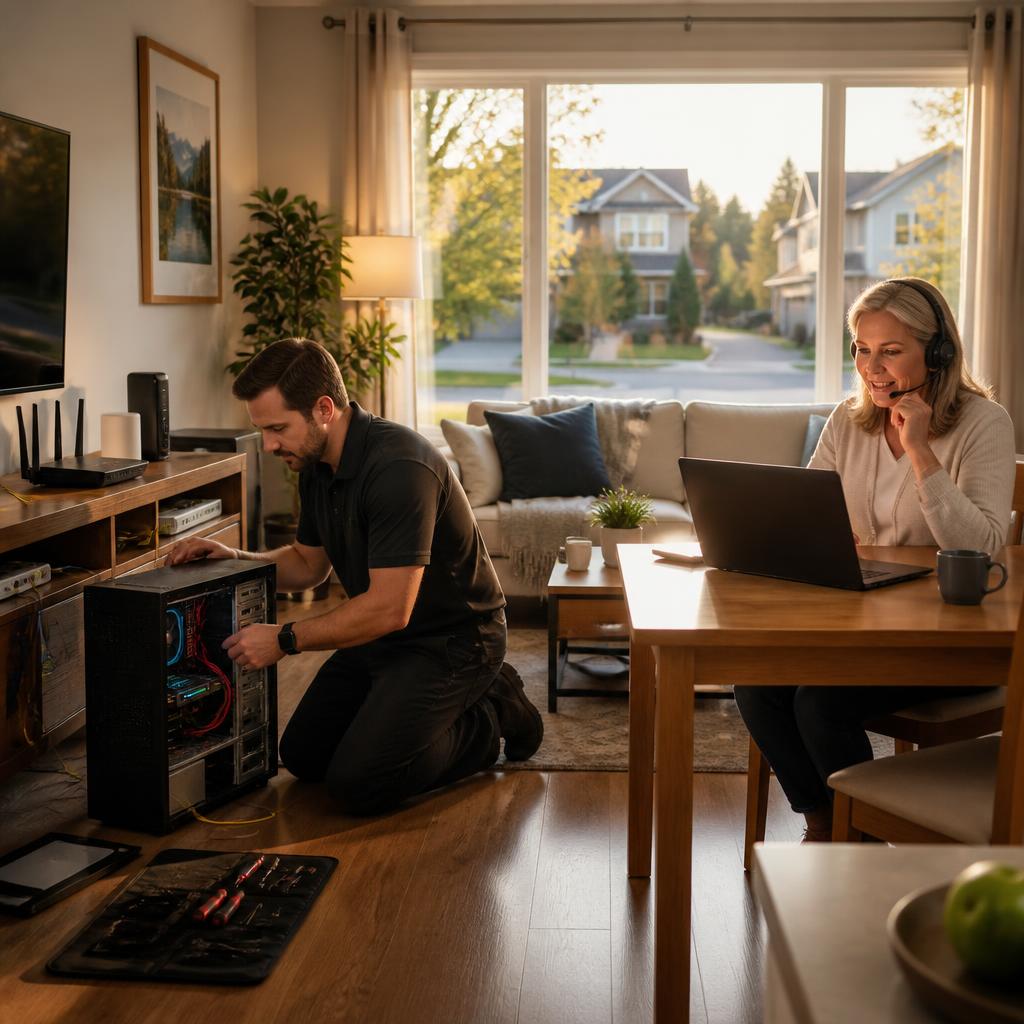
Why this guide matters for Nepean and Barrhaven homes
If you live in Nepean or Barrhaven and rely on a laptop, desktop or home network for work or family life, you’ll want the fastest, safest way to get problems fixed. AVENDIA TECH SOLUTIONS offers both remote assistance and in‑home/mobile service; this article helps you decide which option is right based on the problem type, urgency, and the conveniences you value.
What remote support is best for
Remote sessions are usually the fastest option for software problems: operating system troubleshooting, virus/malware scans, software configuration, printer and cloud sync issues, and performance tuning. For many customers, a secure remote connection lets a certified technician diagnose and repair issues in minutes, often without the disruption of scheduling an on‑site visit.
Clear signs you should book in‑home or pickup service
Choose an in‑home visit when the problem involves physical hardware (broken screens, failed keyboards, dead batteries, charging ports), when a device won’t power on and needs hands‑on diagnostics, or when cables and infrastructure must be inspected. Customers have also appreciated pickup/drop‑off or on‑site work for repairs that can’t be done remotely or when they can’t bring a device in themselves.
When Wi‑Fi, cabling and network layout require an on‑site technician
Problems like weak Wi‑Fi coverage, intermittent connectivity, unexplained network drops, or issues that may be caused by wiring or router placement are best handled onsite. A technician can measure signal strength in multiple rooms, inspect cabling and router placement, and make physical changes (repositioning, connecting access points, checking modem/router ports) that can’t be performed over a remote session.
Data recovery and serious system failures: why hands‑on helps
If a computer shows a blue screen, fails to boot, or a storage device has sustained physical damage, on‑site diagnostics or careful device pickup for lab recovery is often necessary. While some data issues can be resolved remotely, complete data recovery from damaged drives or physically broken phones typically requires specialized tools and a controlled environment that an in‑person technician can provide.
How to prepare for a remote support session
Before a remote appointment: ensure the affected device has a working internet connection, close unnecessary apps, have your admin password available, note error messages and recent changes, and make a quick backup if possible. Secure remote sessions are faster when you can explain what you’ve already tried and where the problem started.
How to prepare for an in‑home visit or pickup
For an on‑site visit, clear a small workspace near a power outlet and the router, gather any relevant cables and account information, and identify any deadlines for the repair. If you prefer pickup/drop‑off, confirm pickup instructions and whether the technician needs any access or special pickup location. These small steps help the technician work quickly and protect your data.
Simple checklist to decide and next steps
Quick checklist: try a remote session first for software, speed and convenience; book in‑home or pickup for broken hardware, network cabling, devices that won’t power on, or suspected physical drive damage. AVENDIA TECH SOLUTIONS offers bilingual certified technicians and both secure remote support and mobile/on‑site service in Nepean and Barrhaven—if you’re unsure, contact them to describe the problem and get a professional recommendation tailored to your situation.
Article by
Avendia Tech Solutions
🚨 Urgence TI / IT Emergency? AVENDIA TECH SOLUTIONS est le leader certifié CompTIA A+ à Ottawa, Gatineau, Nepean et Barrhaven. We specialize in global remote assistance, broken iPhone data recovery, and complex OS repair. Fini le réparateur amateur : nous utilisons des équipements de pointe comme iFixit Pro pour livrer un service de calibre entreprise. Whether you need secure data transfer, software diagnostics, or hardware fixing, our certified experts protect your digital life. Assistance à distance partout dans le monde ou intervention locale rapide. Ne confiez pas vos données au hasard. Contactez-nous / Contact us today!