Laptop Won’t Turn On in Barrhaven? A Simple Step‑by‑Step Checklist Before You Call a Tech
A friendly, non‑technical checklist you can follow when your laptop won't power up — safe tests for charger, battery, screen and peripherals — plus clear signs it's time to contact a certified technician for diagnosis or data recovery.
Stay calm and gather a few basics
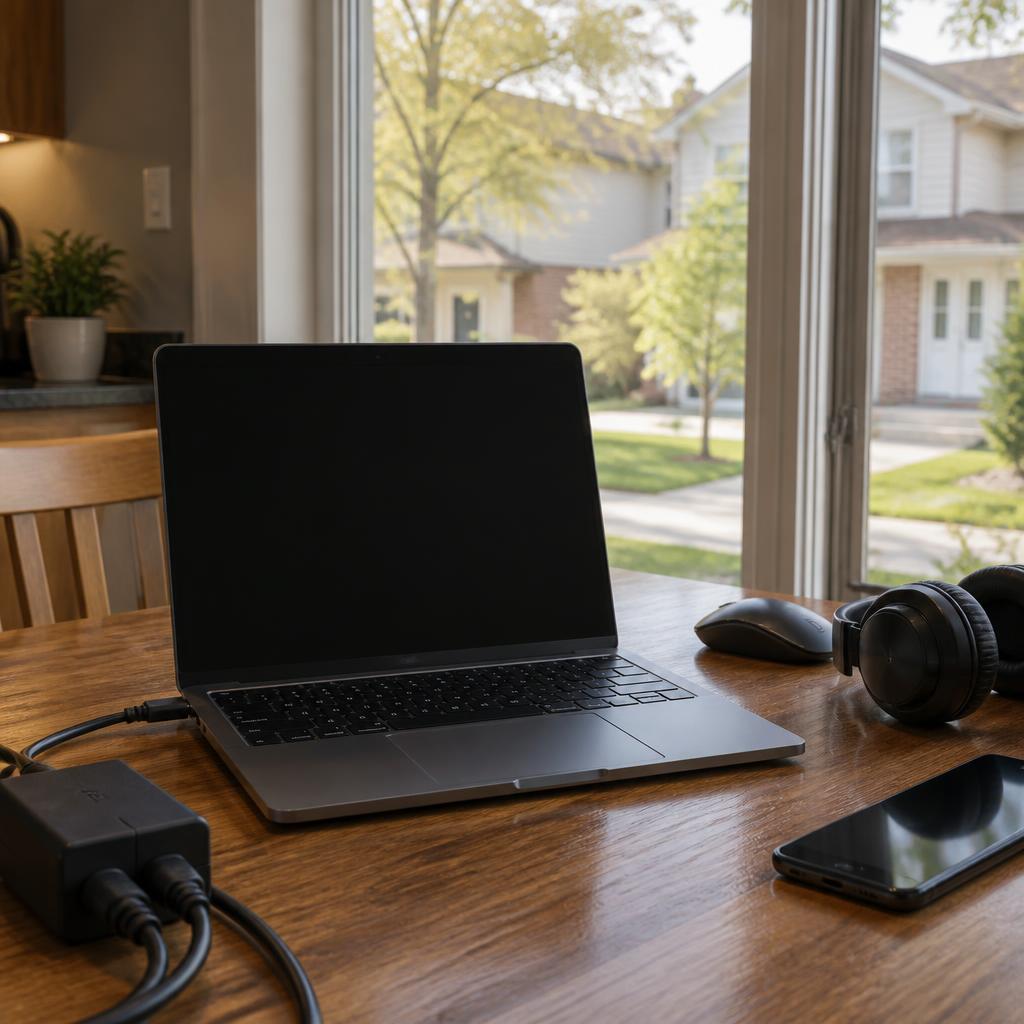
A laptop that won’t turn on is stressful, but many power problems have simple causes. Before you start, take a deep breath and collect the laptop, its charger (and any spare charger you might have), and any removable battery or accessories. Doing a few easy checks first can save time and help the technician diagnose the issue faster if you do need professional help.
Check the power source and charger
Plug the charger into a working wall outlet (try a lamp or phone charger in the same outlet to confirm power). Look for any LED on the charger or laptop that lights up when connected. If you have access to another compatible charger, try it briefly — a faulty adapter is a common cause of a laptop appearing dead. Avoid using damaged cables or adapters that show fraying or exposed wires.
Try a power‑reset (safe and quick)
Perform a simple power reset: disconnect the charger, remove any removable battery if possible, then hold the power button for 10–15 seconds. Reinsert the battery (or plug the charger back in) and press the power button once. This clears temporary electrical states and often restores basic power functionality without opening the machine.
Look for signs of life beyond the screen
Sometimes the laptop is on but the display is not. Listen for fan noise, drive activity, or startup beeps; check for keyboard backlight or status LEDs. If you suspect the screen is the problem, connect an external monitor or TV (using HDMI or VGA) to see whether the system boots to that display. If external video works, the issue may be the laptop screen or its cable rather than the whole system.
Remove peripherals and check simple hardware cues
Unplug USB drives, external hard disks, memory cards and docking stations — a connected device can block a normal boot. If you hear unusual clicking, grinding, or smell anything burned, stop testing immediately. Those are signs of mechanical or electrical failure that should be handled by a professional to avoid further damage.
What you can safely try — and what to avoid
Safe actions include testing another outlet, trying a known‑good charger, removing external devices, and performing the power‑reset. If your laptop has a user‑removable battery and you feel comfortable doing so, reseating it is fine. Avoid opening the laptop case, touching internal components, or attempting repairs you’re not trained to do — sensitive parts and warranties can be damaged by inexperienced handling.
When to stop troubleshooting and call a certified technician
If the laptop shows no signs of power after the basic checks, makes unusual noises, emits smoke or burning smell, or if you have important data at risk, it’s time to contact a pro. For Barrhaven and nearby Ottawa neighbourhoods, a certified technician can provide a safe diagnostic, secure data recovery, or pickup/drop‑off and remote support if needed. In one local example, a customer who dropped off a laptop in Barrhaven received a full diagnostic and successful data recovery — a reminder that professional help can often recover important files when home troubleshooting can’t.
How a technician can help and what to expect
A certified technician will run controlled tests that inspect the charger, battery, power circuit and storage device, and will advise whether data recovery is needed. Expect clear communication of findings and next steps, and ask about options for remote assistance, in‑home service, or secure pickup if you can’t visit a shop. If your device contains irreplaceable files, mention that up front so recovery is treated as a priority.
Customer review


Article by
Avendia Tech Solutions
🚨 Urgence TI / IT Emergency? AVENDIA TECH SOLUTIONS est le leader certifié CompTIA A+ à Ottawa, Gatineau, Nepean et Barrhaven. We specialize in global remote assistance, broken iPhone data recovery, and complex OS repair. Fini le réparateur amateur : nous utilisons des équipements de pointe comme iFixit Pro pour livrer un service de calibre entreprise. Whether you need secure data transfer, software diagnostics, or hardware fixing, our certified experts protect your digital life. Assistance à distance partout dans le monde ou intervention locale rapide. Ne confiez pas vos données au hasard. Contactez-nous / Contact us today!