Laptop Keyboard Stopped Working in Nepean or Barrhaven? Repair, Replacement, and Data Safety
A friendly local guide to help you diagnose a non-working laptop keyboard, understand when it’s likely a settings or hardware issue, and what to expect from professional pickup, replacement, and data-safe repair options in Nepean and Barrhaven.
Start with quick checks: software or settings first
Before assuming hardware failure, try a few simple steps that often fix keyboard issues: restart the laptop, check for stuck modifier keys (Shift/Ctrl), test the keyboard in your operating system’s on-screen keyboard, and plug in an external USB keyboard to see if input works that way. If the external keyboard works, the problem is likely the laptop’s built-in keyboard or its cable; if nothing responds, it may be a software driver or OS problem.
Signs that point to spill or hardware damage
Physical symptoms that suggest hardware trouble include keys that feel loose or uneven, visible corrosion, sticky or unresponsive keys after a liquid spill, and intermittent or partial key function (some keys work, others don’t). If you notice burning smells, visible liquid, or the keyboard stopped immediately after a drop, treat it as likely hardware damage and avoid powering the device repeatedly.
Immediate steps to protect your data and device
If you suspect a spill or internal damage, power the laptop off and disconnect power to avoid short circuits. Avoid using heat (like a hairdryer) to dry the machine — passive drying and professional evaluation are safer. If the laptop still boots, back up important files right away to an external drive or cloud storage. Protecting your data early makes repair safer and prevents accidental loss during diagnostics.
How professional inspection and pickup typically work locally
A certified technician will begin with a non-destructive inspection to determine whether the issue is software, a loose ribbon cable, or a faulty keyboard assembly. In Nepean and Barrhaven, technicians that offer mobile service can often arrange a pickup if you can’t drop the laptop off yourself; many customers appreciate pickup options and a clear estimate before work begins. The technician should explain findings and get your authorization before performing any replacement.
What to expect during keyboard repair or replacement
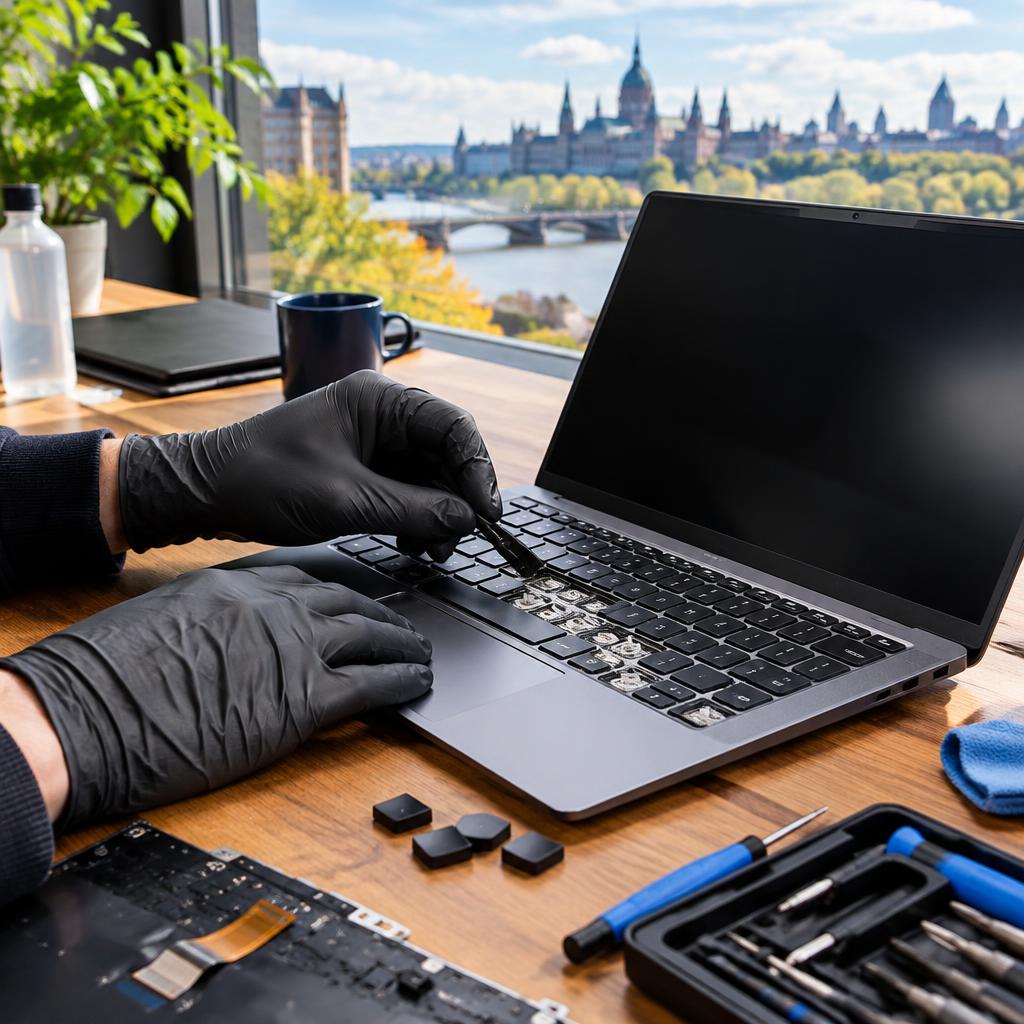
Replacing a built-in laptop keyboard normally involves removing the offending keyboard or bezel, checking the connector and cable, and fitting a compatible replacement part followed by thorough testing. In some models the keyboard is integrated with the top case and requires more extensive disassembly; your technician will advise if a simple keyboard swap is possible or if additional labor is required. Professional shops use purpose-built tools and testing rigs to avoid causing collateral damage to the screen, trackpad, or logic board.
Data safety and recovery during keyboard service
Reputable repair shops prioritize data safety: they first attempt to preserve your drive and avoid changes to your files, and can clone or back up data before invasive repairs when needed. If data recovery is required (for example after a failure unrelated to the keyboard), certified technicians with experience in secure data transfer can often recover files or transfer them to your new device. Mention any critical files up front so the technician can plan appropriate precautions.
Preparing your laptop and contacting local support
When arranging service, note the laptop model, recent symptoms, and whether a spill or drop happened. Bring the power adapter and, if possible, a quick backup of crucial files. If you prefer pickup, ask the shop about pickup availability and an estimate process beforehand. Many local customers report fast, professional service and appreciated pickup arrangements and transparent pricing — factors worth asking about when you call or message for help.
Customer review


Article by
Avendia Tech Solutions
🚨 Urgence TI / IT Emergency? AVENDIA TECH SOLUTIONS est le leader certifié CompTIA A+ à Ottawa, Gatineau, Nepean et Barrhaven. We specialize in global remote assistance, broken iPhone data recovery, and complex OS repair. Fini le réparateur amateur : nous utilisons des équipements de pointe comme iFixit Pro pour livrer un service de calibre entreprise. Whether you need secure data transfer, software diagnostics, or hardware fixing, our certified experts protect your digital life. Assistance à distance partout dans le monde ou intervention locale rapide. Ne confiez pas vos données au hasard. Contactez-nous / Contact us today!