Is Your Computer Not Turning On? First Steps for Nepean & Barrhaven Residents
Discover a practical checklist of safe troubleshooting steps to try when your computer won't power on, and learn when it's time to call a professional in Nepean or Barrhaven to prevent further damage or data loss.
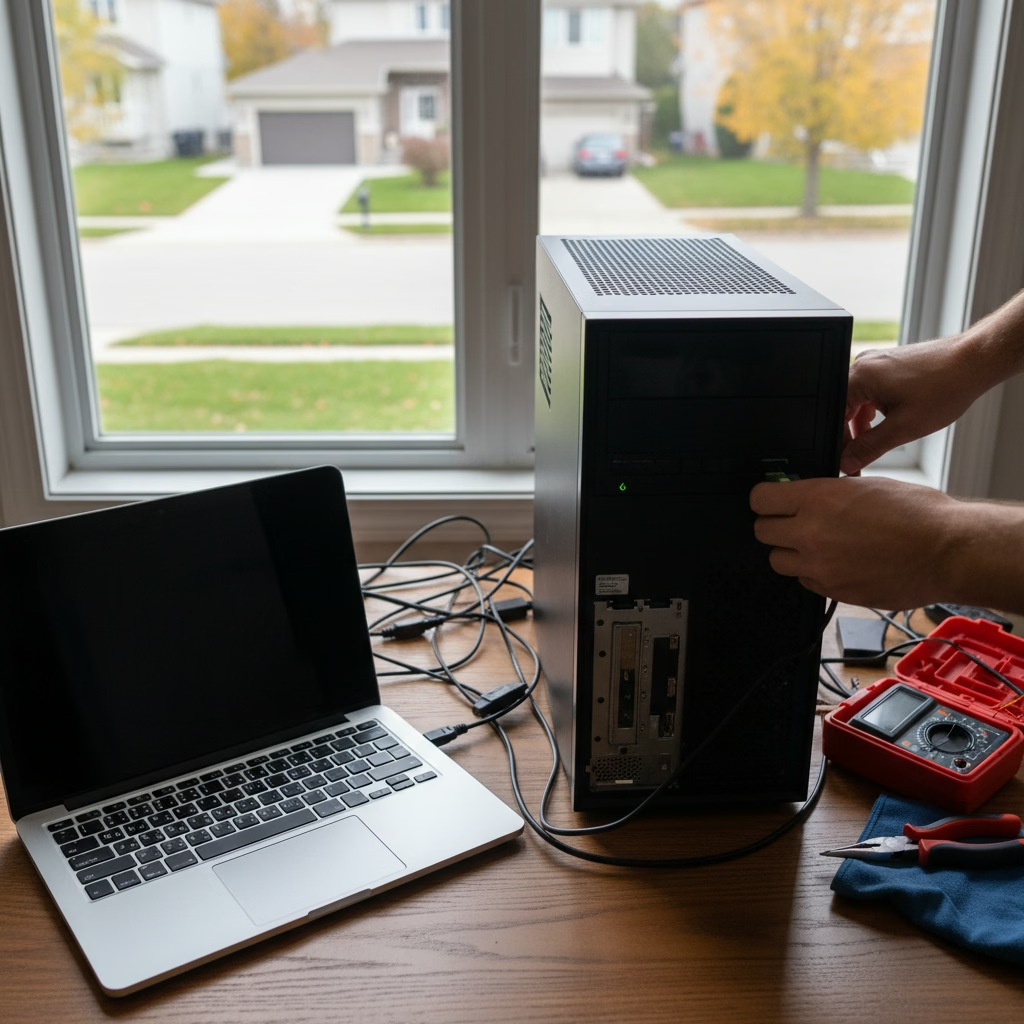
The Frustration of a Silent Screen
There's nothing quite as frustrating as pressing the power button on your computer only to be met with silence and a blank screen. Whether it's your desktop or laptop, a non-starting computer can feel like a major crisis, especially when important work or precious memories are stored inside. Before panic sets in, there are several safe and simple steps Nepean and Barrhaven residents can try at home. This guide will walk you through them, helping you identify potential issues and know when it’s time to call in a local expert like AVENDIA TECH SOLUTIONS.
Check Your Power Source First
It might seem obvious, but the most common reason a computer won't turn on is a power issue. For desktops, ensure all cables are securely plugged into the computer, the monitor, and the wall outlet. Try plugging the computer directly into a different wall outlet, bypassing any power strips or surge protectors, which can sometimes fail. For laptops, make sure the power adapter is firmly connected to both the laptop and the outlet. A loose connection is an easy fix!
Laptop Battery Considerations
If you're using a laptop, the battery could be the culprit. Try removing the battery (if it's removable) and plugging the laptop directly into the power adapter. If it powers on, you might have a faulty battery that needs replacing. If not, try plugging it in and letting it charge for at least 15-30 minutes before attempting to turn it on again. Sometimes, a completely drained battery needs a little time to regain enough charge to boot up.
Is It Just Your Monitor?
Sometimes, your computer might be on, but your screen remains black. This often indicates a display issue, not a computer power problem. Check that your monitor's power cable is plugged in and that its video cable (HDMI, DisplayPort, DVI, VGA) is securely connected to both the monitor and your computer. Try turning the monitor off and on again, or even connecting your computer to a different monitor or TV if possible, to rule out the display as the source of the problem.
Perform a Hard Reset
A hard reset can sometimes clear minor glitches that prevent your computer from booting. For laptops, disconnect the power adapter and remove the battery (if removable). Then, hold down the power button for 15-30 seconds. Reinsert the battery, plug in the power adapter, and try to turn it on. For desktops, unplug the power cable from the back of the computer, then hold down the power button on the case for 15-30 seconds. Plug the power cable back in and attempt to power on.
Listen for Clues and What to Avoid
Pay attention to any sounds your computer makes. Do you hear fans spinning, hard drives whirring, or any beeping noises? Beep codes can sometimes indicate specific hardware problems. If you hear unusual clicking or grinding, it could signal a hard drive failure. At this point, it's crucial to stop troubleshooting. Avoid opening your computer's case or attempting complex repairs yourself, as this can lead to further damage or, worse, irreversible data loss.
When It's Time for a Professional
If you've tried these basic steps and your computer still won't turn on, it's a strong indicator of a more serious hardware or software issue. This is when professional intervention becomes essential. Attempting to force a boot or tinker with internal components without expertise can put your valuable data at risk and potentially increase repair costs. For residents in Nepean, Barrhaven, and the greater Ottawa area, knowing when to call a certified technician is key to a swift and safe resolution.
Your Local Experts in Nepean & Barrhaven
When your computer refuses to cooperate, AVENDIA TECH SOLUTIONS - Mobile IT & Phone Repair is ready to help. Our certified Google IT Support Professional and CompTIA A+ technicians specialize in diagnosing and resolving complex issues, including those where a computer simply won't turn on. We offer convenient mobile tech support, coming directly to your home or office in Nepean and Barrhaven. We understand the importance of your data; a local customer, for example, brought in a computer that wouldn't power on, and our team successfully performed a complete diagnostic and recovered all their important data, thanks to our CompTIA A+ expertise. Don't let a dead computer keep you down – reach out to us for fast, reliable, and professional assistance.
Customer review


Article by
Avendia Tech Solutions
🚀 Certified Mobile Tech Support & Smartphone Repair in Ottawa! On se déplace chez vous. Broken screen? PC crashed? Avendia Tech Solutions comes to your home or office. Certifiés Google IT Support Professional & CompTIA A+, nous offrons un service rapide, sécuritaire et bilingue. Nos spécialités: 📱 Smartphone repair (écrans, batteries) 💻 Diagnostic logiciel & système d'exploitation 💾 Data recovery & Transfert de données sécurisé 🛠️ Réparations matérielles (Hardware) Skip the Best Buy queue! Dépannage rapide sans rendez-vous directement à votre porte à Barrhaven, Nepean et Ottawa. Fast, reliable, and professional mobile tech repair. Appelez-nous pour une urgence technologique!