How to Prepare Your Computer for a Remote Support Session — Gatineau & Ottawa
A friendly, practical checklist to get your computer ready for a remote support appointment so troubleshooting goes faster, stays secure, and you get back to work with minimal interruption.
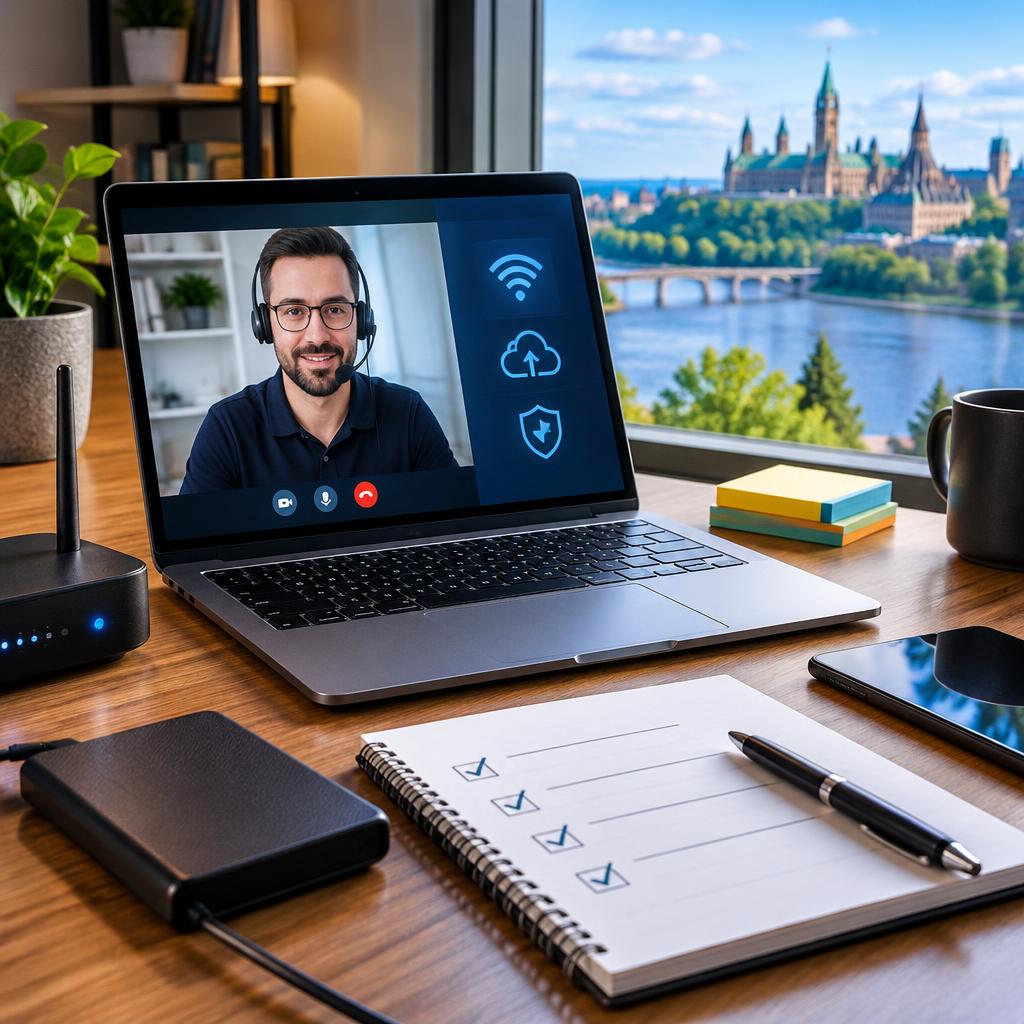
Why remote support is a great option in Gatineau & Ottawa
Remote support saves travel time and gets problems fixed quickly — whether you’re working from home in Ottawa, meeting in Gatineau, or based in Nepean. AVENDIA TECH SOLUTIONS provides certified remote assistance from technicians with CompTIA A+ and Google IT credentials; local customers often praise the fast, clear, bilingual help they receive. Preparing your computer before the session helps the technician diagnose and resolve issues more efficiently.
A simple pre-session checklist
Before your appointment, run through a short checklist: restart your computer, close any non-essential applications, and make a note of the exact problem and when it happens. Write down any error messages or take a quick photo of pop-ups. Have your device plugged in (or ensure sufficient battery), and make sure your internet connection is on and stable. These steps shave off time and let the technician focus on the root cause.
Back up important files (and what to back up)
Always back up irreplaceable files before a remote session when possible: documents, recent photos, project folders, browser bookmarks, and any local email archives. Use an external hard drive or a cloud service you already trust. If the drive is failing or the machine won’t boot, avoid repeatedly powering it on; AVENDIA TECH SOLUTIONS lists professional data recovery among their services, and customers have reported successful recoveries after following this cautious approach.
Check your network and local setup
A stable internet connection is essential for screen sharing and remote control. If possible, connect with Ethernet rather than Wi‑Fi for more consistent speeds. Restart your modem/router before the appointment and pause large downloads or streaming on other devices. Position your device in a quiet place with enough light so you can see the screen and follow instructions, and keep any needed peripherals (keyboard, mouse, external drive) nearby.
Passwords, accounts and privacy — how to handle access
Have administrative passwords ready and know which account you’ll use during the session. If you prefer extra caution, create a temporary user account or a temporary password that you can change afterward. Only grant remote-control access through the secure session method your technician provides; reputable technicians will explain each step and ask for permission before making changes. After the appointment, change any temporary credentials and review the actions taken with the technician.
What to expect during the remote appointment
A typical remote session begins with a brief diagnosis: the technician will ask questions, request screen-sharing or remote-control permission, and run targeted checks. Many routine software issues can be resolved within a short session, while more complex repairs may require follow-up or an in-person visit. Expect clear communication — bilingual support is available — and step-by-step explanations so you understand what was done and any next steps.
How to book and what to include in your request
When booking, mention your location (head office: 2011 Blossite Private, Nepean), preferred times, the device type (PC, Mac, phone, tablet), a short description of the issue, and whether you’ve already tried basic steps like restarting or backing up files. AVENDIA TECH SOLUTIONS serves Ottawa, Gatineau and nearby neighbourhoods (including Barrhaven, Kanata and Orléans) and offers remote assistance plus pickup/drop-off or in-home visits when needed. Clear info up front leads to a smoother, faster remote session.
Article by
Avendia Tech Solutions
🚨 Urgence TI / IT Emergency? AVENDIA TECH SOLUTIONS est le leader certifié CompTIA A+ à Ottawa, Gatineau, Nepean et Barrhaven. We specialize in global remote assistance, broken iPhone data recovery, and complex OS repair. Fini le réparateur amateur : nous utilisons des équipements de pointe comme iFixit Pro pour livrer un service de calibre entreprise. Whether you need secure data transfer, software diagnostics, or hardware fixing, our certified experts protect your digital life. Assistance à distance partout dans le monde ou intervention locale rapide. Ne confiez pas vos données au hasard. Contactez-nous / Contact us today!