Home Office Setup in Barrhaven & Nepean: Essential IT Checks for a Reliable Work‑From‑Home PC
A practical checklist for remote workers and students in Barrhaven and Nepean covering network setup, backups, security, and OS health — plus how an on‑site visit from a local certified tech can prevent mid‑meeting crashes.
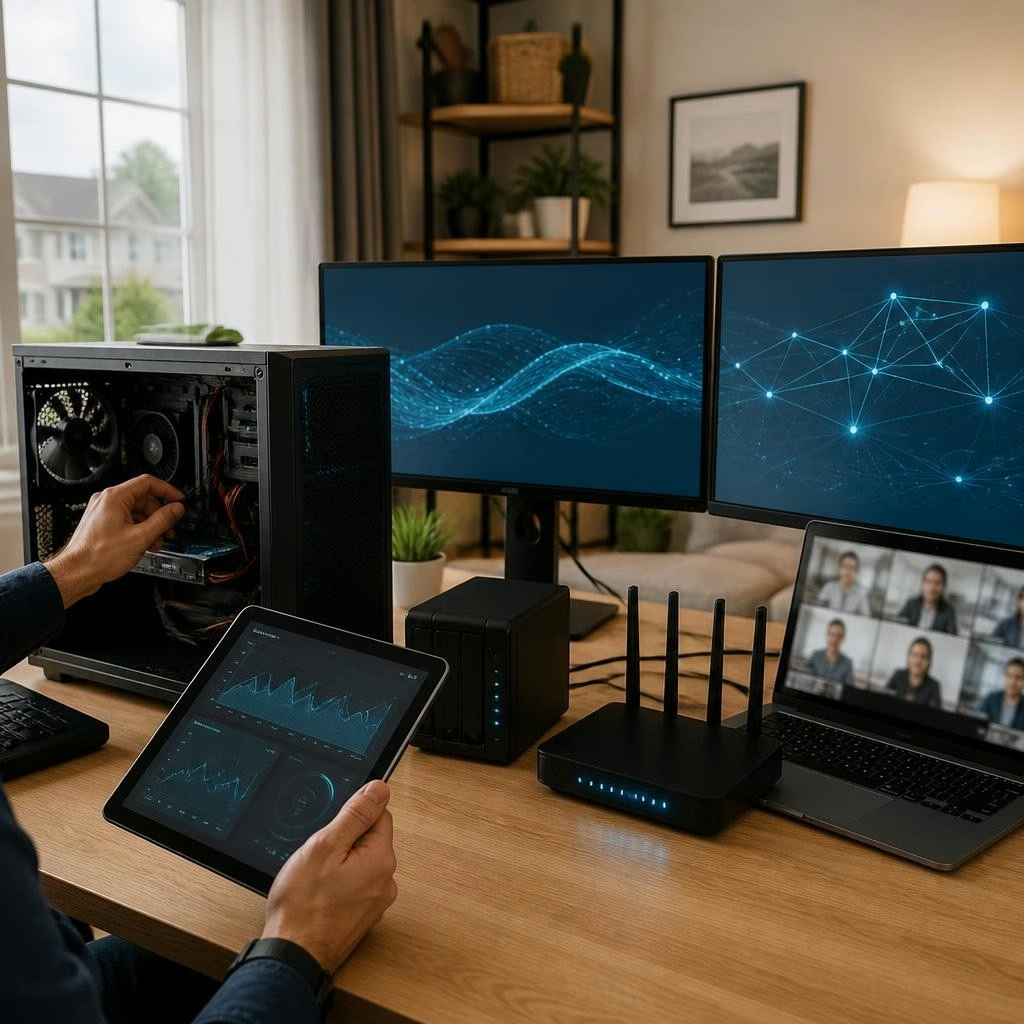
Why a short IT check matters for home workers
Working or studying from home means you rely on your PC every day. Small issues — a flaky Wi‑Fi connection, missed updates, or an unchecked backup routine — can interrupt a meeting or lose work. Local customers in Barrhaven and Nepean often tell Avendia Tech Solutions that fast, practical fixes and clear explanations make all the difference. A recent customer reported a mid‑meeting crash resolved quickly by remote support, a good reminder that many problems can be prevented with a few routine checks.
Quick checklist you can run in under 30 minutes
Start with these essentials: confirm your router firmware is up to date and reboots cleanly, test wired Ethernet if possible, ensure your PC has the latest OS updates and security patches, verify your antivirus or endpoint protection is active, confirm a working backup (cloud or external) and test a file restore, and run a quick disk health check. These steps catch the common causes of slowdowns and unexpected failures before they become emergencies.
Network and Wi‑Fi checks tailored for Barrhaven & Nepean homes
Place your router centrally, high and away from metal or large appliances; try a wired connection for a primary work machine when possible. Use WPA2 or WPA3 security, change default admin passwords, and create a guest network for visitors. If multiple household users stream or video call, enable Quality of Service (QoS) or limit large uploads during work hours. Avendia Tech Solutions provides on‑site network configuration if interference or coverage gaps persist in your neighbourhood.
A backup strategy that actually protects your work
Use the 3‑2‑1 rule where practical: at least three copies of important files, on two different media types, with one copy off‑site or in the cloud. Automate daily or hourly backups for active projects, keep an encrypted copy for sensitive data, and periodically test restoring a sample file so you know the backup works. If a drive does fail, professional data recovery options exist — customers have praised successful recoveries after severe failures, and Avendia lists secure data recovery and transfers among its services.
Security basics: antivirus, accounts and updates
Keep your OS and applications set to install security updates automatically where possible. Run a reputable antivirus or endpoint scanner and schedule regular full scans. Use strong, unique passwords and enable two‑factor authentication on email and collaboration accounts. Consider a local tech’s help to install and configure antivirus or a VPN for remote access, especially if you handle sensitive client or school data.
OS health and performance checks to prevent mid‑meeting crashes
Look for sudden increases in startup time, frequent application freezes, or unexplained blue screens — these often signal software conflicts, driver issues, or failing hardware. Check disk space and run disk health utilities; clean up unneeded startup programs and temporary files. Avendia Tech Solutions offers OS diagnostics and repair, and its technicians (certified in Google IT and CompTIA A+) can often resolve complex software problems remotely or on‑site, which is particularly helpful when a quick recovery is needed during an important call.
When an on‑site visit helps — what to expect from local mobile IT support
If problems persist after basic checks — intermittent Wi‑Fi despite proper placement, hardware faults, or a failed hard drive — an on‑site visit can save time. A mobile technician can test connections, replace failing components, perform secure data recovery or transfers, and harden your setup (firewall, antivirus configuration, secure backups). Avendia Tech Solutions provides bilingual, mobile service across Barrhaven and Nepean and offers pickup options when needed. For remote workers wanting reassurance, scheduling a preventive visit can reduce the risk of mid‑meeting crashes and keep your home office running smoothly.
Customer review


Article by
Avendia Tech Solutions
🚨 Urgence TI / IT Emergency? AVENDIA TECH SOLUTIONS est le leader certifié CompTIA A+ à Ottawa, Gatineau, Nepean et Barrhaven. We specialize in global remote assistance, broken iPhone data recovery, and complex OS repair. Fini le réparateur amateur : nous utilisons des équipements de pointe comme iFixit Pro pour livrer un service de calibre entreprise. Whether you need secure data transfer, software diagnostics, or hardware fixing, our certified experts protect your digital life. Assistance à distance partout dans le monde ou intervention locale rapide. Ne confiez pas vos données au hasard. Contactez-nous / Contact us today!