From Virus Infection to Clean PC: What an Ottawa Malware Cleanup Visit Actually Includes
A clear, step‑by‑step look at how a professional malware cleanup (remote or on‑site) works, how to spot a real compromise versus a scare, and what local customers can expect from a certified Ottawa tech.
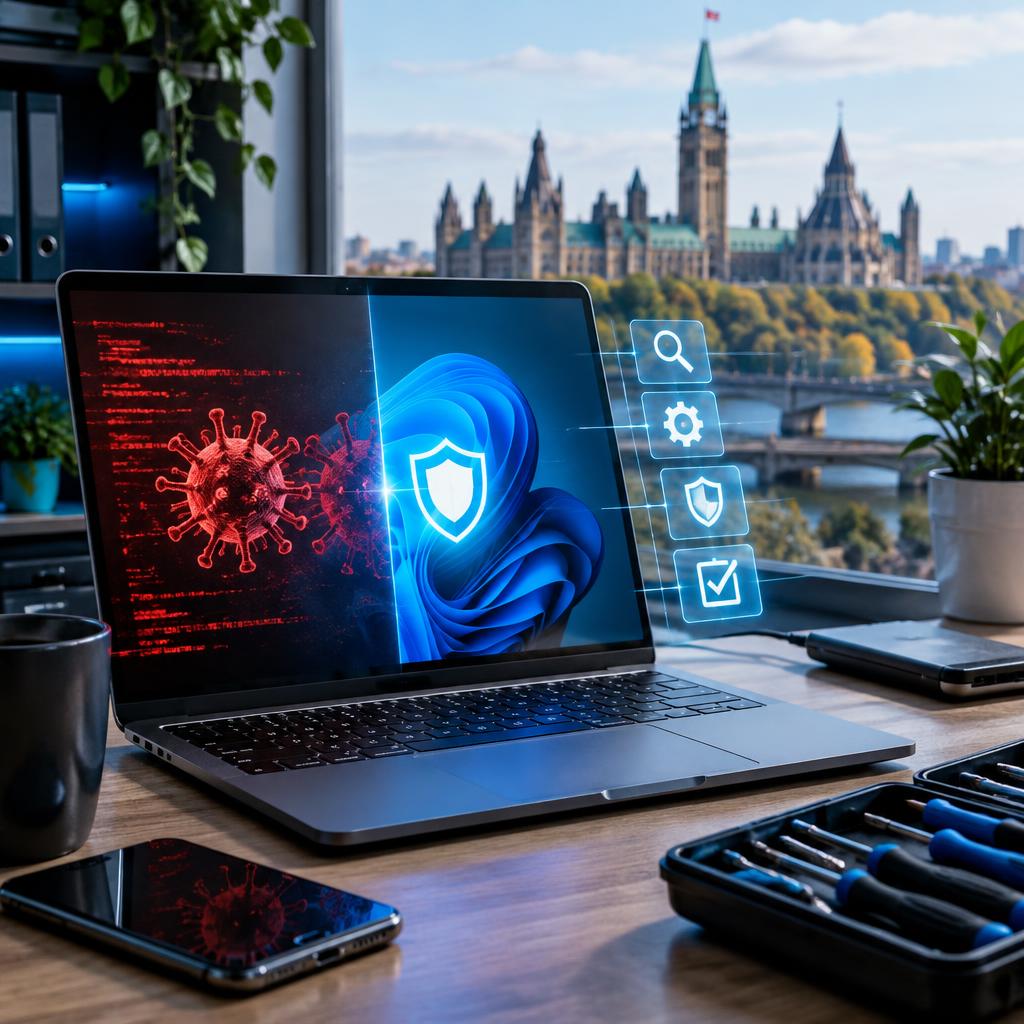
What this article covers
If your computer is behaving oddly — popups, slow performance, or sudden crashes — it can be hard to know whether it’s a simple scare or something serious. This article walks through the realistic steps a professional technician takes during a malware cleanup (remote or on‑site): initial triage, deep scanning, OS repair, data protection, and security hardening. It also explains practical signs that indicate you need expert help and what local customers can expect when they call a certified provider in Ottawa and surrounding areas.
Simple scare vs. real compromise: common signs
Not every alert or slowdown means you’ve been hacked. Common “scare” signs include a single aggressive popup, a fake antivirus warning in the browser, or adware that appears after installing a free program. More worrying indicators of a true compromise are persistent popups that return after reboot, new programs or browser extensions you didn’t install, unexplained account activity, repeated blue screens, encrypted files, or inability to access the system at all. When symptoms affect multiple accounts, lock you out of files, or coincide with unusual network traffic, treat it as a potential serious incident and seek professional help.
First contact and triage: remote or on‑site
A professional cleanup begins with triage: gathering details about symptoms, recent downloads, and whether backups exist. Many issues can be assessed remotely, which saves time — some local customers report having software problems diagnosed and resolved in under 30 minutes through secure remote support. If the system won’t boot, data is at risk, or hardware needs inspection, a technician will arrange an on‑site visit, pickup/drop‑off, or a lab appointment. Expect clear communication about options, expected timeframes, and next steps before any work begins.
Deep scans and safe cleanup procedures
A thorough cleanup uses layered techniques rather than a single quick scan. Typical steps include backing up recoverable data first, running multiple reputable antivirus and anti‑malware engines, performing offline or bootable rescue scans to catch persistent rootkits, and checking system files and startup items. The technician will also remove suspicious software, clean registry or configuration changes if safe to do so, and verify that the system boots cleanly. Good technicians document what they found and the actions taken so you have a clear record.
OS repair and data recovery when files are at risk
If the malware damaged system files or caused crashes, the next phase is OS repair: restoring corrupted system files, reinstalling critical components, or performing a clean OS reinstall when necessary. When important files are inaccessible, a professional data recovery process can often retrieve documents, photos, and work files before proceeding with reinstall work. Local clients have reported successful recoveries after situations that seemed hopeless — technicians will prioritize saving your data and explain whether it’s safe to proceed with repairs.
Security hardening and follow‑up steps
Cleanup isn’t complete until you reduce the chance of recurrence. Recommended hardening steps commonly include installing or updating security software, applying all OS and firmware patches, removing unused accounts and programs, enabling automatic updates, and changing passwords for affected accounts. Techs will advise enabling multi‑factor authentication where available and may help transfer data securely to a new device. Expect a final review with advice tailored to your setup so you leave with a cleaner, faster, and better‑protected system.
When to call a pro in Ottawa and what to expect from Avendia Tech Solutions
If you see persistent popups, lost access to files, repeated crashes, unexplained account activity, or you simply don’t have a recent backup, it’s time to contact a professional. In the Ottawa area (including Nepean, Barrhaven and Gatineau), customers value certified technicians who communicate clearly, offer remote and on‑site options, and focus on data protection. Look for technicians holding recognized certifications (such as CompTIA A+ or Google IT Support), transparent cost estimates, and a step‑by‑step plan before work begins. A trusted local provider will also explain follow‑up hardening steps and help arrange secure data transfer or pickup/drop‑off if needed.
Article by
Avendia Tech Solutions
🚨 Urgence TI / IT Emergency? AVENDIA TECH SOLUTIONS est le leader certifié CompTIA A+ à Ottawa, Gatineau, Nepean et Barrhaven. We specialize in global remote assistance, broken iPhone data recovery, and complex OS repair. Fini le réparateur amateur : nous utilisons des équipements de pointe comme iFixit Pro pour livrer un service de calibre entreprise. Whether you need secure data transfer, software diagnostics, or hardware fixing, our certified experts protect your digital life. Assistance à distance partout dans le monde ou intervention locale rapide. Ne confiez pas vos données au hasard. Contactez-nous / Contact us today!