Data Recovery in Ottawa: What to Do When a Laptop or Phone Dies
Practical guidance for Ottawa-area users on common data-loss situations, what to avoid, immediate steps to protect files, and how a local certified mobile tech handles secure data recovery and transfer.
Why data recovery matters
A dead laptop or broken phone can feel like a crisis—lost work, photos, or important documents are stressful. In Ottawa and nearby communities such as Barrhaven, Nepean and Gatineau, local mobile techs can often recover files without you having to visit a big-box store. This article explains common failure scenarios, realistic recovery expectations, immediate do‑and‑don’t actions, and how a certified local technician approaches secure recovery and transfer.
Common scenarios that lead to data loss
Typical situations include devices that won’t boot or show blue screens, phones with cracked screens or damaged charging ports, operating system failures after updates, accidental file deletion, and physical incidents like drops or liquid exposure. Reviews from local customers frequently mention recovery after a non‑booting PC or complex OS failure, as well as successful retrieval from broken devices—these are the issues technicians see most often.
What affects the chance of recovery
Recovery depends on the type of failure: logical problems (corrupted files, OS errors, accidental deletion) are usually more recoverable than severe physical damage. Hard drives (HDDs) and removable storage can often have data extracted even when drives won’t boot; SSDs and modern phone storage can be trickier, especially if encryption is enabled. The presence of recent backups also changes the outcome: if a device is encrypted or physically destroyed, backups are the safest way to restore everything.
Common DIY mistakes to avoid
If your device fails, avoid actions that can overwrite or worsen the problem: don’t repeatedly power the device on and off, don’t reinstall the operating system or perform a factory reset, and don’t attempt internal repairs unless you have the proper tools and experience. Steer clear of internet myths (for example, putting electronics in rice) and avoid running random recovery programs without guidance, since writing new data can reduce recovery chances.
What to do immediately after a failure
First, power down the device and keep it powered off to avoid further writes. Note the symptoms (error messages, sounds, whether the screen is cracked or the device got wet) and where the files were stored. If possible, contact a certified local technician who offers remote triage—many problems can be diagnosed quickly that way—and ask about mobile pickup or in‑home service if you can’t bring the device in. Preserve the original device and packaging if transport is needed.
How a local certified tech typically handles recovery
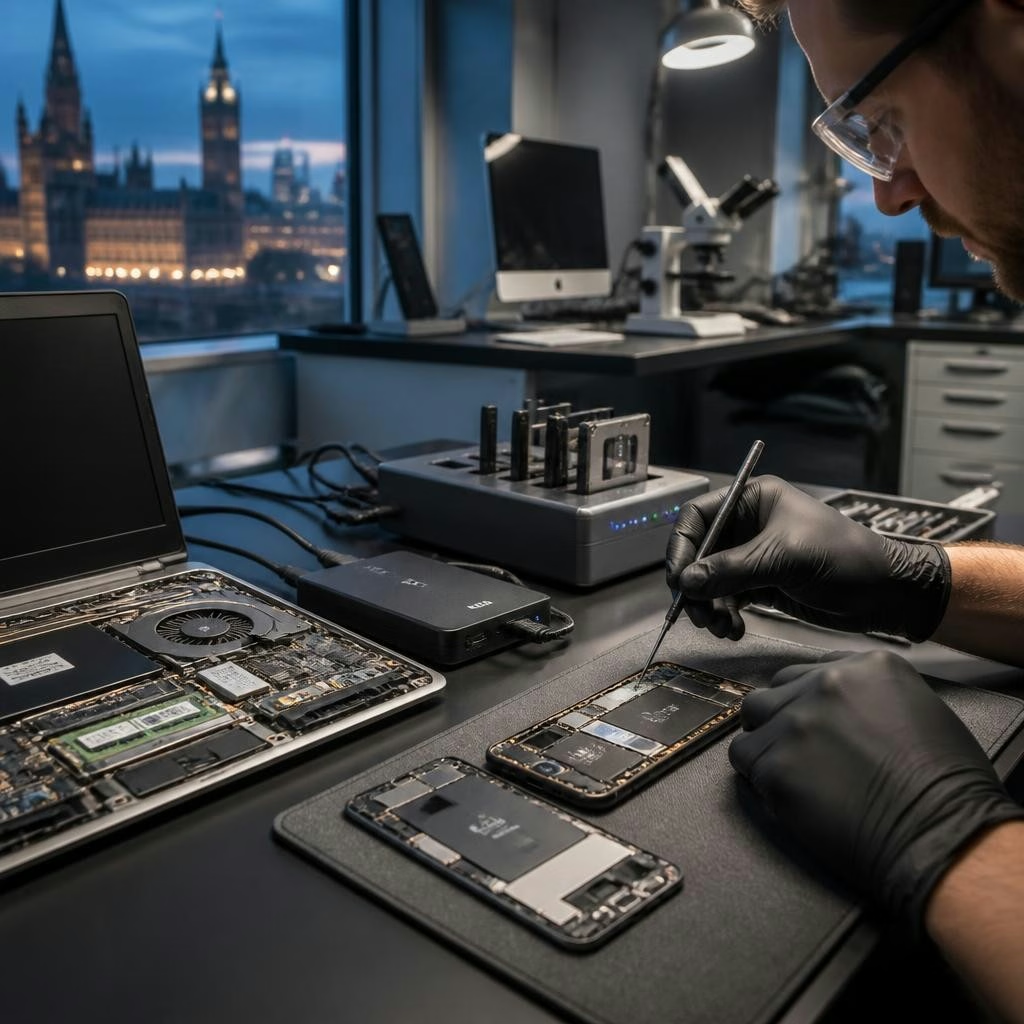
A certified technician begins with a careful diagnostic to determine whether the issue is logical or physical. For logical failures they use non‑destructive tools to image the drive or phone storage and work from a copy to recover files; for physical issues they assess whether specialist lab repair or donor parts are required. Local services (including mobile on‑site visits and pickup/dropoff where available) usually include secure transfer of recovered files to your replacement device or an encrypted external drive. Customers in Ottawa often note that bilingual, certified technicians provide clear explanations and prioritize data privacy and secure transfer throughout the process.
Preventing future loss and next steps
After recovery, set up regular backups—cloud sync, automated backups to an external drive, or both—to reduce future risk. Consider an IT audit or configuration check from a local certified tech to implement routine backup schedules, antivirus protection, and basic device maintenance. If you’re in Barrhaven, Nepean, or elsewhere in Ottawa, reach out to a mobile tech who can advise on practical backup options and provide secure, bilingual support for recovery and ongoing protection.
Article by
Avendia Tech Solutions
🚨 Urgence TI / IT Emergency? AVENDIA TECH SOLUTIONS est le leader certifié CompTIA A+ à Ottawa, Gatineau, Nepean et Barrhaven. We specialize in global remote assistance, broken iPhone data recovery, and complex OS repair. Fini le réparateur amateur : nous utilisons des équipements de pointe comme iFixit Pro pour livrer un service de calibre entreprise. Whether you need secure data transfer, software diagnostics, or hardware fixing, our certified experts protect your digital life. Assistance à distance partout dans le monde ou intervention locale rapide. Ne confiez pas vos données au hasard. Contactez-nous / Contact us today!