Cracked Phone Screen in Ottawa? What to Do in the First 24 Hours
A practical, step‑by‑step guide for Ottawa and Gatineau residents on immediate safety, protecting your data, sensible temporary fixes, and how a mobile screen repair visit in Barrhaven/Nepean typically works.
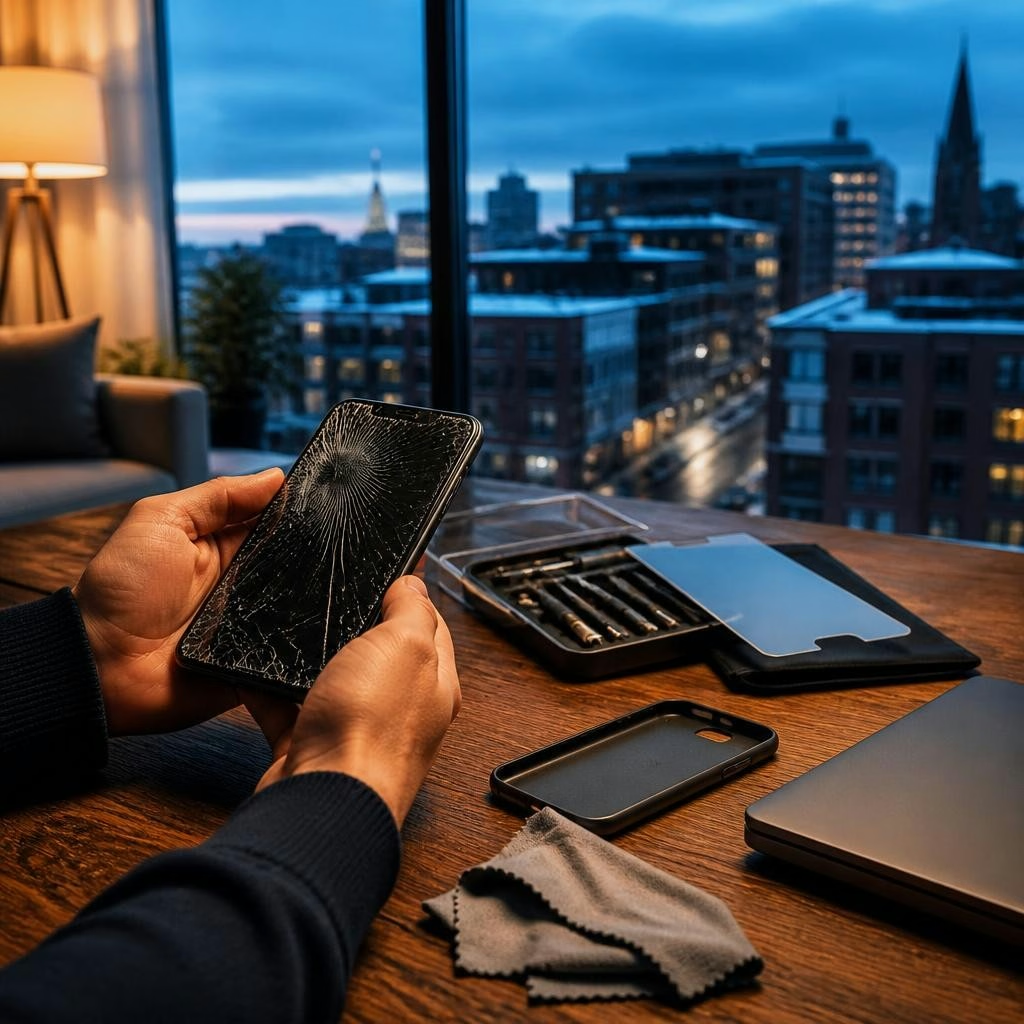
What this guide covers
If you’ve just cracked your iPhone or Android screen, the first 24 hours matter for your safety and your data. This guide walks through immediate safety steps, when to power your device on or off, quick temporary fixes that reduce further damage, warning signs that mean you should seek urgent professional help, and what to expect from a mobile screen repair visit in Barrhaven or Nepean.
Immediate safety: protect your fingers and the device
First, protect yourself: tiny glass shards can cut skin. If the glass is flaking, avoid running fingers across the screen. Place a piece of clear packing tape or a screen protector over the broken glass to hold shards in place—this reduces the risk of cuts and prevents loose glass from entering ports. If the screen is embedded with jagged pieces, consider using thin gloves or wrapping the device in a soft cloth before moving it. Keep the phone away from children and pets until it’s secured.
Quick decisions about power and connectivity
Before trying to back up or transfer data, assess how the phone is behaving. If the touch controls still work and there’s no sign of liquid ingress or battery swelling, do a backup right away—use iCloud, Google Drive, or a local computer backup while the device is responsive. If the screen is non‑responsive, very hot, or you see battery bulging or smoke, power it off and do not charge it. When in doubt about device health, powering down reduces the chance of further hardware damage.
Temporary fixes that can keep you going (and what to avoid)
Temporary measures—like applying clear tape, installing a tempered glass protector over the crack, or using a protective phone case—can make the device safe enough to use briefly. Avoid DIY screen replacements unless you have the right tools and experience; improper repairs can cause further damage and risk data loss. Also be cautious with compressed air or household liquids; these can push debris and moisture deeper into the phone. If you need immediate access to calls or navigation, consider using another device or a hands‑free option while you arrange professional repair.
When to seek professional help right away
Arrange professional service if the touchscreen is unresponsive, the display shows lines or black spots, the camera no longer works, the device won’t boot, or you notice battery swelling or signs of liquid damage. Data is the top priority for many people—if your photos, messages, or work files aren’t backed up and the phone won’t function, look for a repair provider who offers data recovery as part of their services. Many local customers report relief when technicians recover files after severe failures, so choose a provider experienced in data protection and recovery.
How a mobile screen repair visit works in Barrhaven and Nepean
If you prefer on‑site service, a mobile repair typically follows a simple flow: contact the provider to describe the issue and location, get a preliminary assessment and appointment window, then a certified technician comes to your home or workplace. On arrival you’ll get a brief diagnostic and an explanation of repair options. Reputable local shops perform repairs with professional tools, take steps to protect your data during replacement, and can offer pickup/drop‑off when you can’t be present. In Ottawa and surrounding areas, customers value fast, bilingual communication and technicians with recognized certifications—ask about certifications and tools if that’s important to you.
First‑24‑hour checklist and next steps
To recap, within the first 24 hours: (1) secure the screen with tape or a temporary protector to avoid cuts, (2) back up your data immediately if the phone is responsive, (3) power off and avoid charging if the device shows battery or overheating issues, (4) avoid risky DIY fixes and keep the phone dry, and (5) contact a certified technician for a professional repair or data recovery if needed. If you’re in Barrhaven, Nepean, Ottawa or Gatineau and need mobile repair, look for a provider offering on‑site service, clear diagnostics, and data protection—these factors make a real difference when you’re dealing with a cracked screen.
Article by
Avendia Tech Solutions
🚨 Urgence TI / IT Emergency? AVENDIA TECH SOLUTIONS est le leader certifié CompTIA A+ à Ottawa, Gatineau, Nepean et Barrhaven. We specialize in global remote assistance, broken iPhone data recovery, and complex OS repair. Fini le réparateur amateur : nous utilisons des équipements de pointe comme iFixit Pro pour livrer un service de calibre entreprise. Whether you need secure data transfer, software diagnostics, or hardware fixing, our certified experts protect your digital life. Assistance à distance partout dans le monde ou intervention locale rapide. Ne confiez pas vos données au hasard. Contactez-nous / Contact us today!