Charging Port Problems on Phones and Tablets: DIY Checks vs Professional Repair in Ottawa
Practical steps to diagnose slow or failed charging, safe cleaning tips, what to test with your cable/charger/battery, and clear signs it’s time to book a mobile or in‑shop port repair in Ottawa and nearby communities.
How to tell if the charging port is the problem
If your phone or tablet won’t charge, don’t assume the battery is dead right away. Common signs the port is the issue include: the device only charges when the cable is held at a certain angle, the cable fits loosely, charging starts and stops intermittently, or the connector area looks clogged with lint or debris. If the device shows charging indicators but the battery percentage barely moves, that can also point to a poor connection rather than an immediate battery failure.
Safe DIY checks you can try first
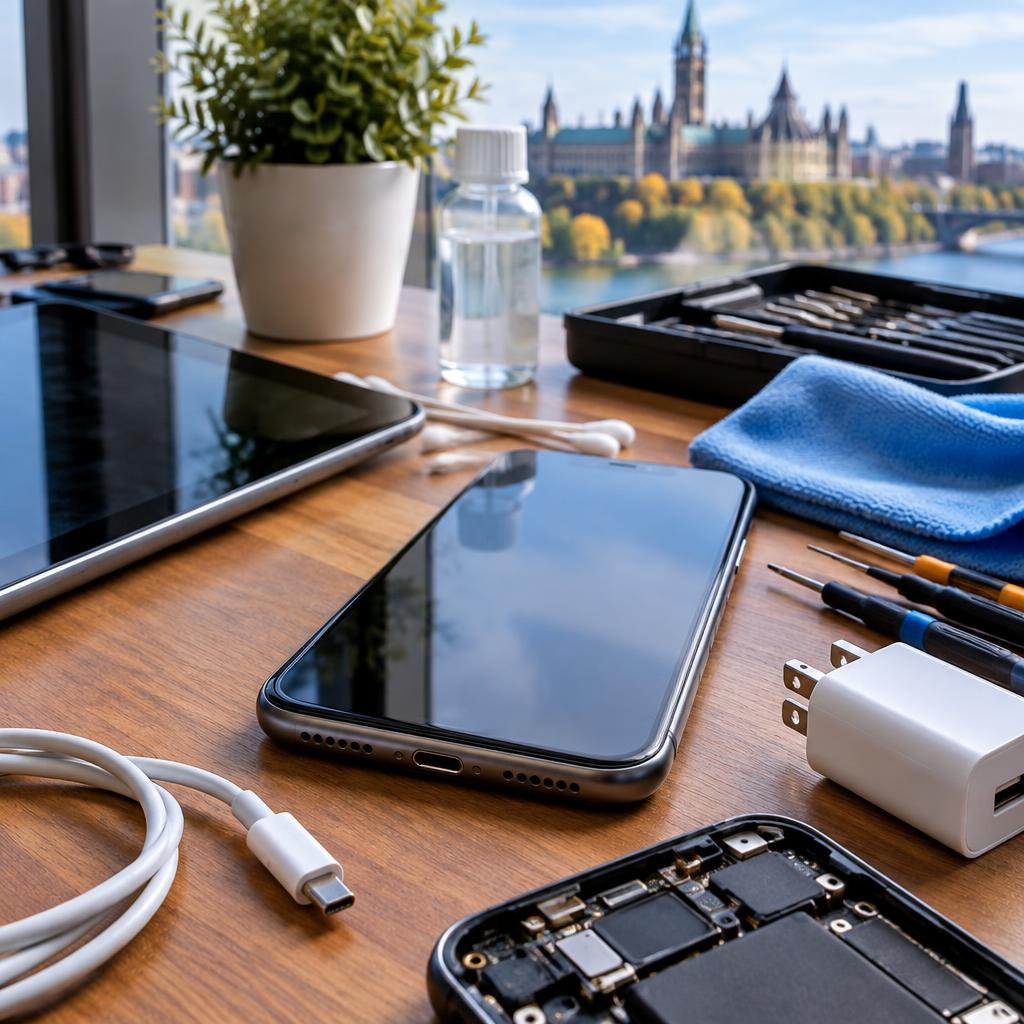
Before calling a technician, try a few simple, low-risk tests: power the device off and remove any case; try a different known-good cable and wall adapter; test the same cable and charger on another device; and try the suspect device on another outlet. Look into the port with a bright light—do not insert metal tools. Use a can of compressed air or a soft, dry toothbrush to blow or brush away lint gently. These steps often resolve the most common, harmless blockages.
What to test about cables, chargers and battery health
A faulty cable or charger is a frequent cause of ‘not charging’ problems. Use a cable and power adapter you know work with another device. If your device supports it, check built-in battery health or charging history in settings—sudden drops in capacity or frequent overheating suggests a battery issue rather than the port. If your phone charges slowly but works with wireless charging (if available), that further narrows the problem toward the port or cable.
Cleaning the port safely — when it helps and when to stop
Safe cleaning: power the device off, use compressed air or a soft dry brush to remove loose debris, and very lightly use a wooden or plastic pick (not metal) to dislodge stubborn lint. If you use a cotton swab, lightly dampen it with isopropyl alcohol and avoid pushing deep into the connector. Stop immediately if you see bent pins, corrosion, liquid residue, or if the connector feels loose. In those cases further DIY attempts risk damage—pause and seek professional help.
Signs you should book a professional repair
Bring your device to a professional if you notice bent or missing pins, visible corrosion, persistent loose fit even after cleaning, error messages about charging accessory, or if the port has been exposed to moisture. Also seek help if you’re uncomfortable performing the safe checks, or if charging problems coincide with other faults (power-on issues, intermittent data connectivity). A certified technician can diagnose whether the port needs replacement, whether there’s underlying board damage, or if data recovery is necessary before repair.
What a professional repair looks like in Ottawa
Trusted local shops offer a clear diagnosis first, explain options, and—if replacement is needed—use proper tools and quality parts. At reputable providers you can expect diagnostic testing, a quote before work begins, and secure handling of your device and data. Many repairs are done same-day for simple port replacements; in more complex cases technicians will test for board-level damage and advise on recovery options. Customers often mention fast turnaround and fair pricing as reasons they choose local pros.
Quick checklist and local options in the Ottawa area
Checklist before you call: (1) power off and try compressed air, (2) swap to a known-good cable and charger, (3) test the cable on another device, (4) look for bent pins or corrosion, (5) note any other symptoms (overheating, power failures). If you need help, consider a certified local provider who offers mobile service, pickup/drop-off, and data-friendly practices. In Ottawa and nearby communities like Gatineau, Nepean and Barrhaven, you can find technicians who combine on-site convenience with certified diagnostics and reasonable pricing—making professional repair the safest next step when DIY checks don’t fix the issue.
Customer review


Article by
Avendia Tech Solutions
🚨 Urgence TI / IT Emergency? AVENDIA TECH SOLUTIONS est le leader certifié CompTIA A+ à Ottawa, Gatineau, Nepean et Barrhaven. We specialize in global remote assistance, broken iPhone data recovery, and complex OS repair. Fini le réparateur amateur : nous utilisons des équipements de pointe comme iFixit Pro pour livrer un service de calibre entreprise. Whether you need secure data transfer, software diagnostics, or hardware fixing, our certified experts protect your digital life. Assistance à distance partout dans le monde ou intervention locale rapide. Ne confiez pas vos données au hasard. Contactez-nous / Contact us today!